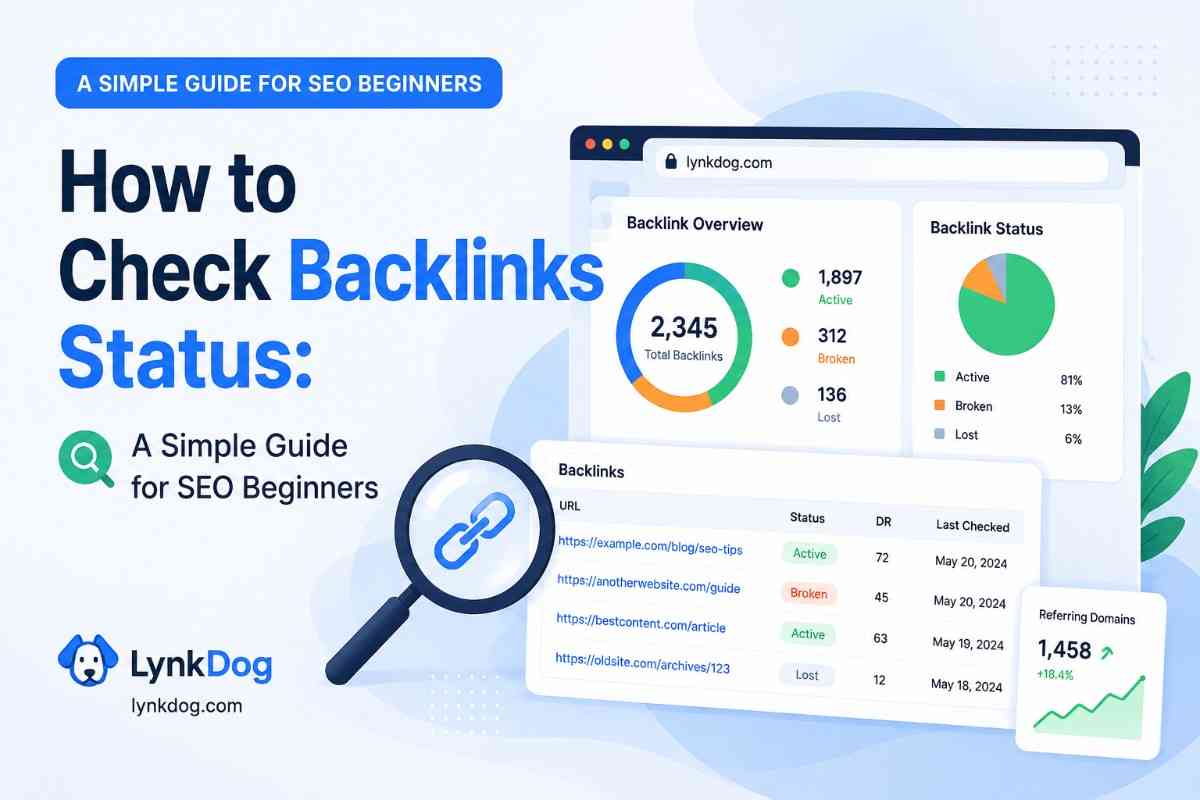
Link Rot 101: Why 15% of Your Backlinks Will Die This Year
TL;DR
- The internet forgets. Your backlink portfolio is decaying right now, whether you know it or not. Here's the science behind link rot and the playbook to stop it.
In 2014, a team of researchers at Harvard Law School published a study that should have terrified every SEO professional on the planet.
They analyzed the links cited in U.S. Supreme Court opinions — arguably the most important legal documents in the country — and found that 49% of the URLs no longer worked. Half of the references in the highest court's rulings pointed to dead pages.
If the Supreme Court can't keep its links alive, what chance does your backlink portfolio have?
The answer, based on industry data, is sobering: you can expect to lose between 10% and 25% of your backlinks every single year. Not because someone is attacking you. Not because of a Google penalty. Simply because the internet is in a constant state of decay.
This phenomenon is called Link Rot, and if you're running an SEO agency, it is quietly undermining every campaign you manage.
What Exactly Is Link Rot?
Link rot is the gradual process by which hyperlinks cease to point to their original target. A URL that worked six months ago now returns a 404. Or worse, it redirects to an irrelevant homepage, stripping all the topical relevance your link once carried.
It's not a bug. It's a feature of a living, changing web. Pages get deleted. Domains expire. Companies rebrand. CMSes get migrated. And with each of these routine events, backlinks become casualties.
The Five Causes of Link Death
Understanding why links die is the first step to defending against it.
1. Site Migrations Gone Wrong
This is the number one killer. A company redesigns their website, moves from WordPress to Webflow, or changes their URL structure from /blog/post-title to /articles/2026/post-title. If they don't set up proper 301 redirects — and they frequently don't — every inbound link to the old URLs breaks overnight.
2. Content Pruning
Google's Helpful Content guidelines have pushed many publishers to audit and delete "thin" or "outdated" content. When they delete a page that happened to contain your backlink, your link dies with it. The publisher isn't thinking about your SEO — they're thinking about theirs.
3. Domain Expiration and Acquisitions
Small blogs, niche directories, and startup landing pages are especially vulnerable. The founder loses interest, the domain expires, and the entire site vanishes. Or a larger company acquires a smaller one and redirects the entire domain to their homepage — a "soft 404" for your deep link.
4. CMS and Plugin Conflicts
A WordPress update breaks a plugin. A theme migration strips certain HTML elements. An editor uses a visual builder that silently restructures the page's code, turning your dofollow link into a JavaScript-rendered element that search engines can't crawl.
5. Human Error
The most mundane and most common. An editor updates a blog post and accidentally deletes the paragraph containing your link. They don't know it was there. They don't know it mattered. It's simply gone.
The Compounding Cost
Here's where the math gets uncomfortable.
Suppose your agency builds 20 links per month for a client at an effective cost of $300 per link (including labor, tools, and content). That's $6,000/month in link building investment.
If 15% of those links die within a year:
- Year 1: You build 240 links. 36 die. Net gain: 204.
- Year 2: You build another 240. But now 36 of this year's links die, AND another ~30 of last year's surviving links rot away. Net portfolio: ~378 out of 480 built.
After two years, you've spent $144,000 building 480 links, but only 378 survive. Your effective cost per surviving link just jumped from $300 to $381.
And those numbers assume you know which links died. If you don't, you're reporting a portfolio of 480 links to your client while the actual number delivering value is 20% lower.
When rankings stagnate despite "consistent link building," link rot is almost always a contributing factor.
The Golden Window of Recovery
Here's the good news: most dead links can be saved. But only if you catch them quickly.
We call the first 7–14 days after a link breaks the Golden Window. During this period:
- The webmaster remembers the change they made. If you email them and say, "It looks like our link was dropped during your recent site update," they'll often say, "Oh, sorry — let me fix that." It's a 2-minute fix on their end.
- The old page may still be cached. If they need to restore the content, they can pull it from their CMS revision history or Google's cache.
- The relationship is still warm. You've presumably corresponded with this person before. A friendly nudge is easy.
After 30+ days, recovery becomes exponentially harder:
- The webmaster has moved on. They don't remember your outreach.
- The page has been re-indexed without your link. Google has already "forgotten" the old version.
- You may need to re-pitch entirely, essentially starting the relationship from scratch.
This is why daily monitoring isn't optional. Monthly spot-checks are like going to the doctor once a year and hoping nothing happened in between. By the time you find the problem, the window to fix it cheaply has closed.
Building a Link Defense System
Defending your portfolio requires three layers:
Layer 1: Automated Monitoring
Every link in your portfolio should be checked at least once per day. This isn't a task for humans — it's a task for software. You need a system that checks HTTP status codes, verifies anchor text, confirms link attributes (dofollow/nofollow/sponsored), and timestamps every check.
Layer 2: Tiered Alerting
Not every status change is an emergency. A new 301 redirect is different from a 404. Your alerting system should distinguish between:
- Critical: Link removed or returning 404/410. Immediate action required.
- Warning: Anchor text changed, or link attribute changed to nofollow. Investigate.
- Info: New redirect chain detected. Monitor for now.
Layer 3: Recovery Workflow
When an alert fires, your team should have a documented SOP:
- Verify the alert (is it a temporary server issue or a real removal?).
- Check if the page still exists in a different form (was it moved, not deleted?).
- Draft the outreach email within 24 hours.
- Log the interaction and set a follow-up reminder for 72 hours.
The Bottom Line
Link rot is not a matter of if — it's a matter of when and how fast you respond.
Every agency builds links. The agencies that win are the ones that keep them alive.
Start defending your portfolio with LynkDog's 24/7 monitoring.